You can change the camera's password regularly to enhance the security of your HD video monitor system.
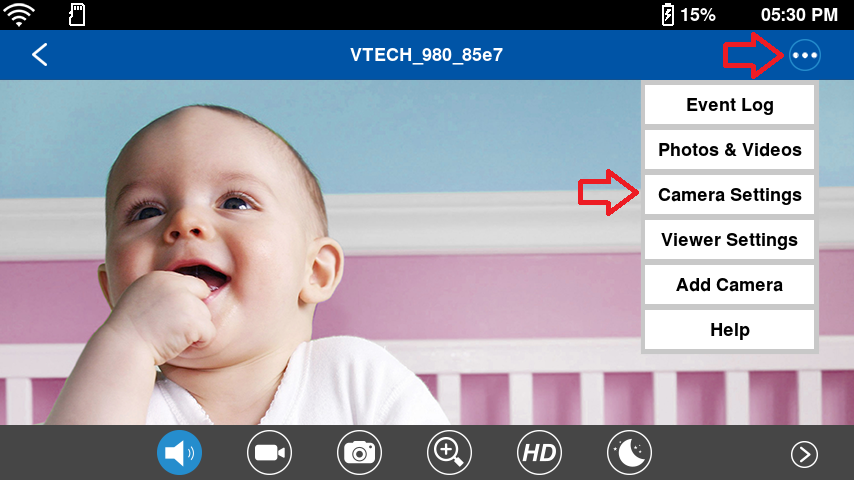
On the single view, tap , and then tap Camera Settings.
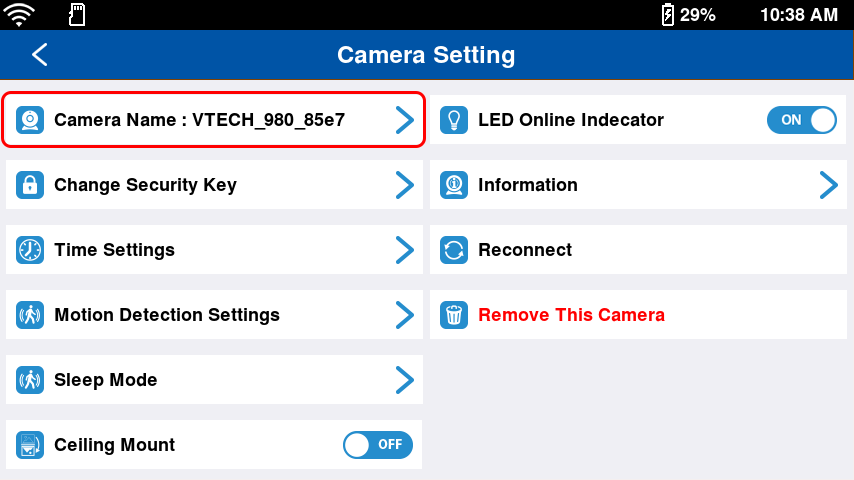
Tap Camera Name.
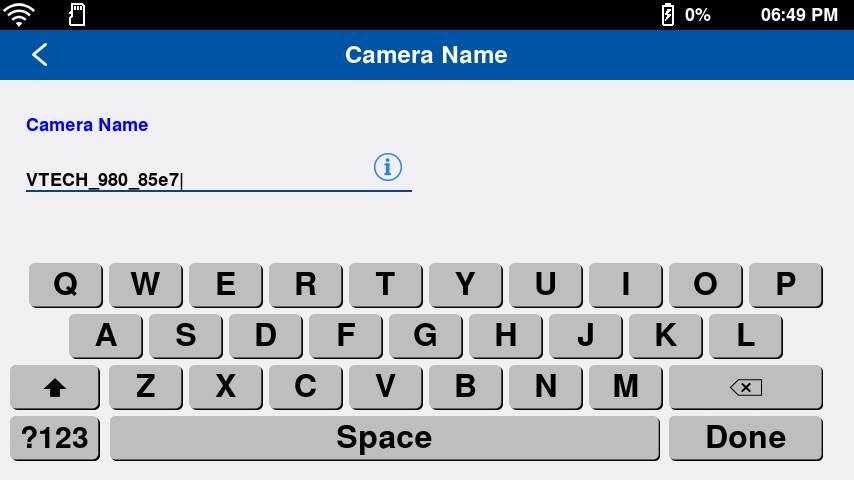
As a cursor displays on the Camera name field, type in your desired new camera name.
The camera name should not contain any special characters.
This name applies to the camera preview on the split view, the camera's live view, the notifications, and the tabs of the app where the camera name is displayed.
 , and then tap Camera Settings.